Navigate to the Form: https://forms.gle/Z14pwaXEdzFWumoy9
1.
Navigate to the portal website: https://erp.lingxing.com
2.
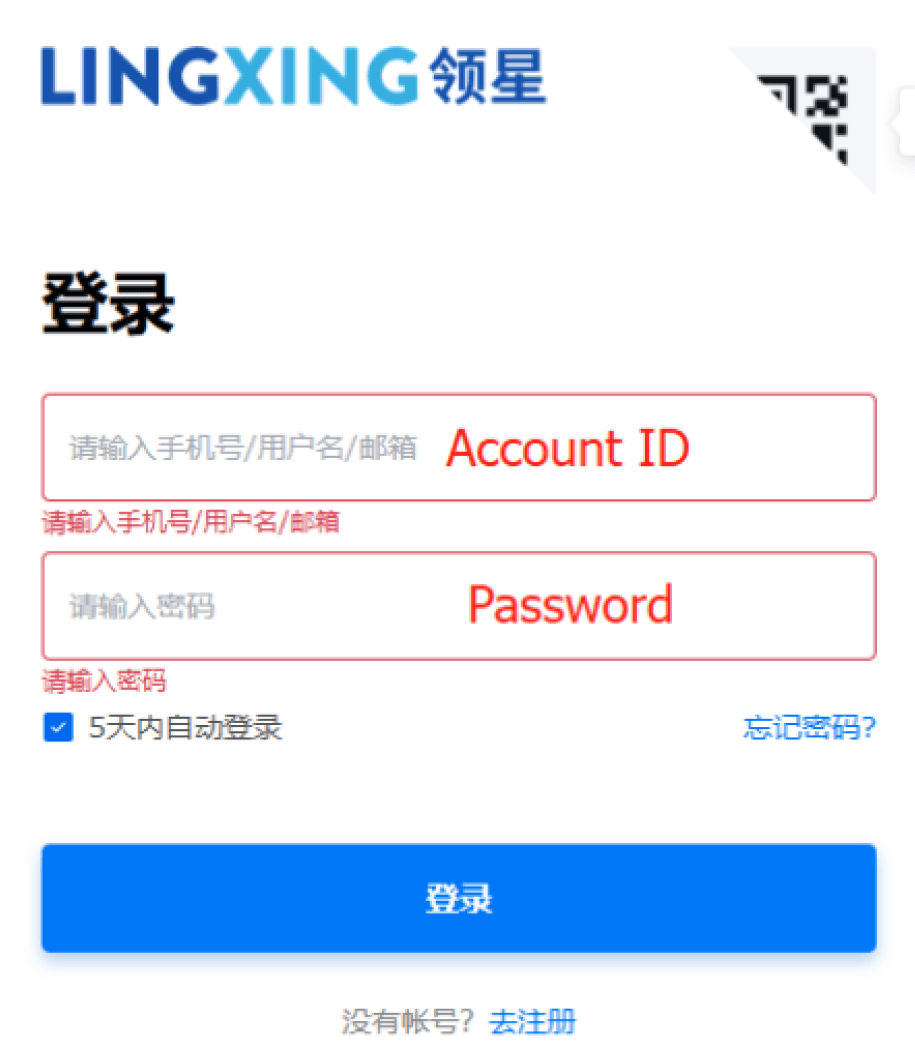
Log in using the account ID and password provided by the K&S operational team.
1.
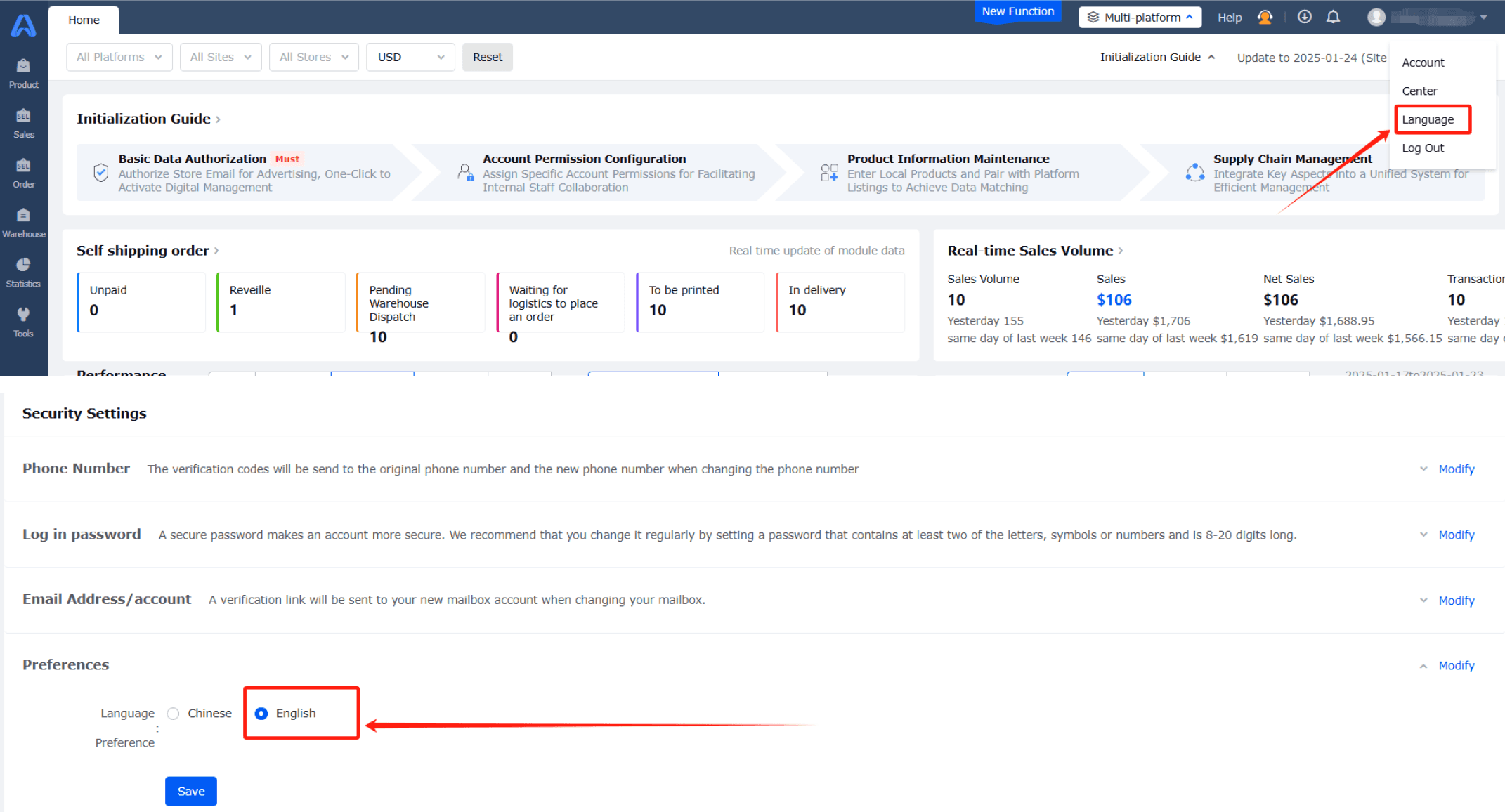
Click on the account profile located in the top-right corner.
2.
Select Language > English > Save.
1.
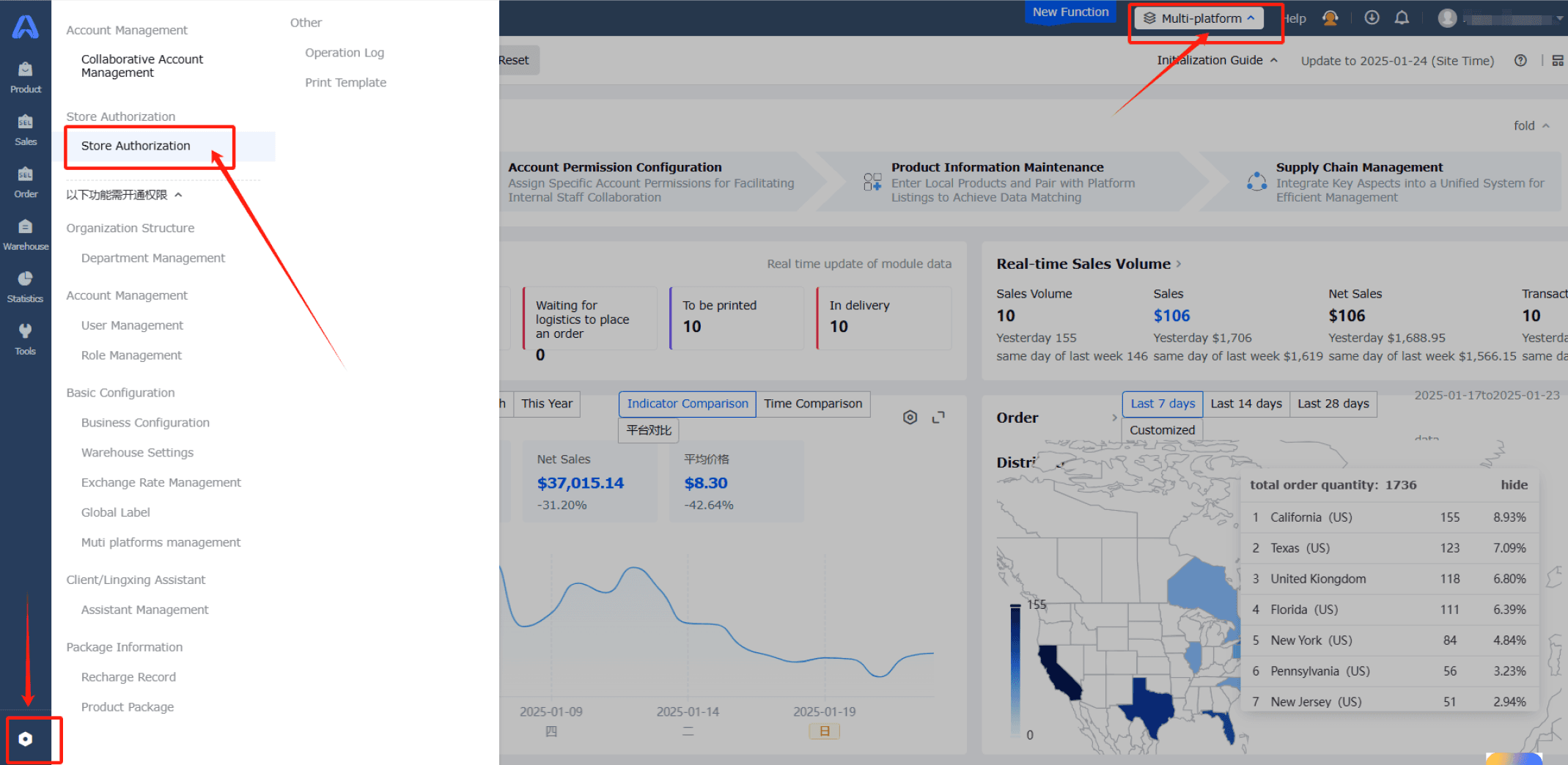
To authorize stores, go to Multi-Platform > Store Authorization.
Whether you are a Shopify store or a TikTok store, the Transaction Rate is 0.
1.
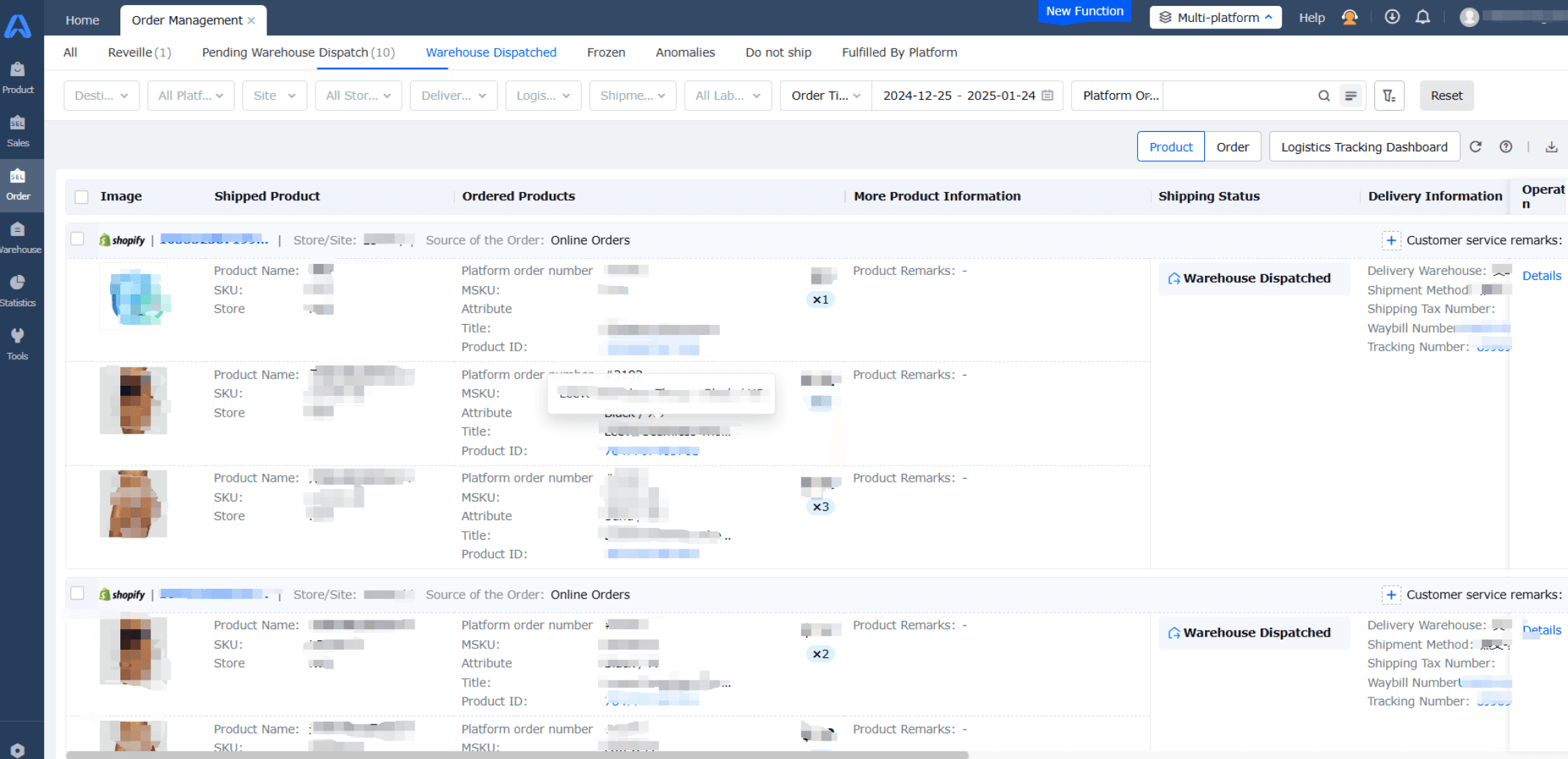
Once the store is connected, you will be able to see your store orders in the ERP.Monitor all your orders across various stores and platforms directly within the K&S system.
3.
Manually edit, update, and correct orders, including SKU, quantity, address, and other details, to address customer support needs.
1.
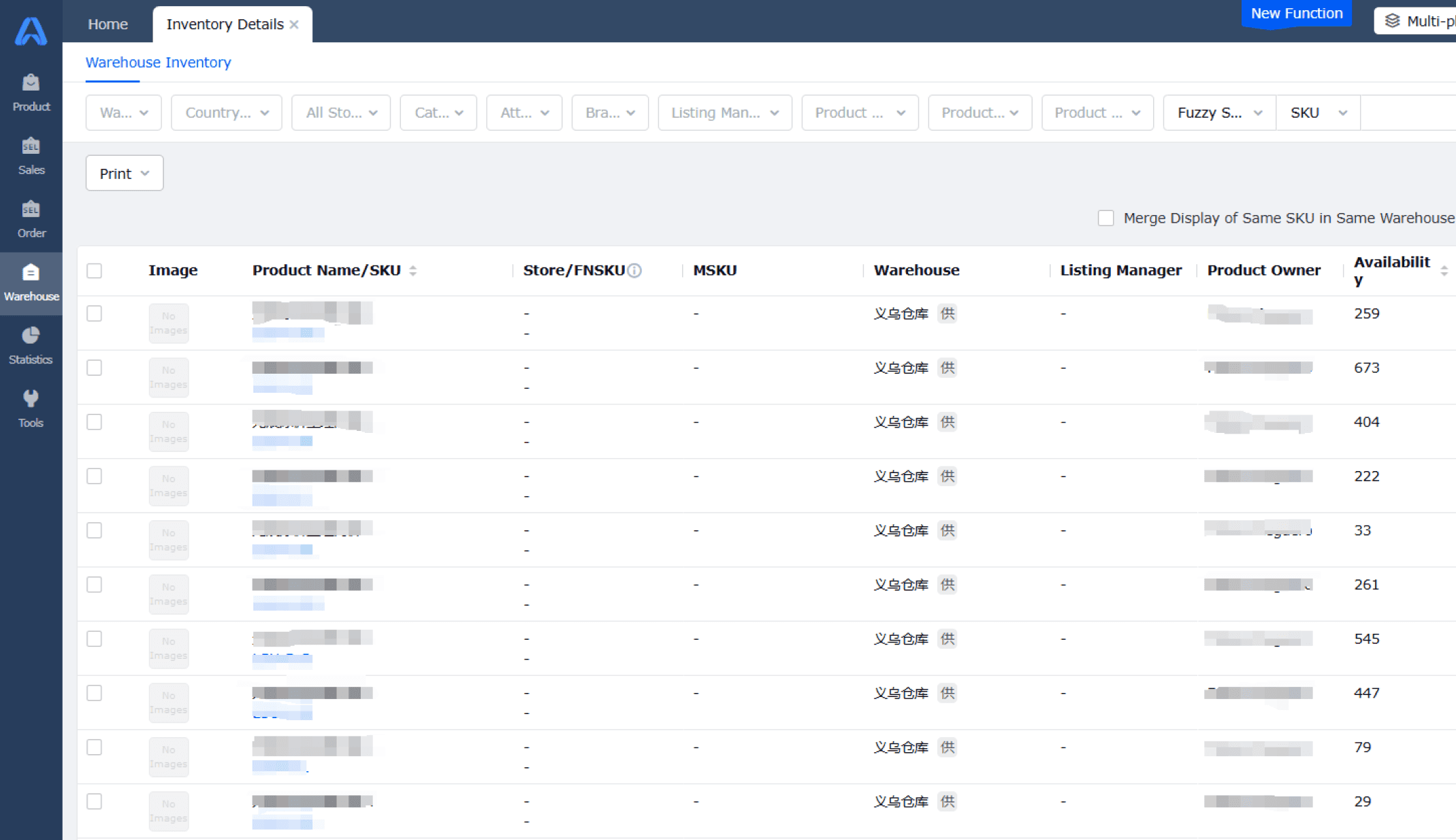
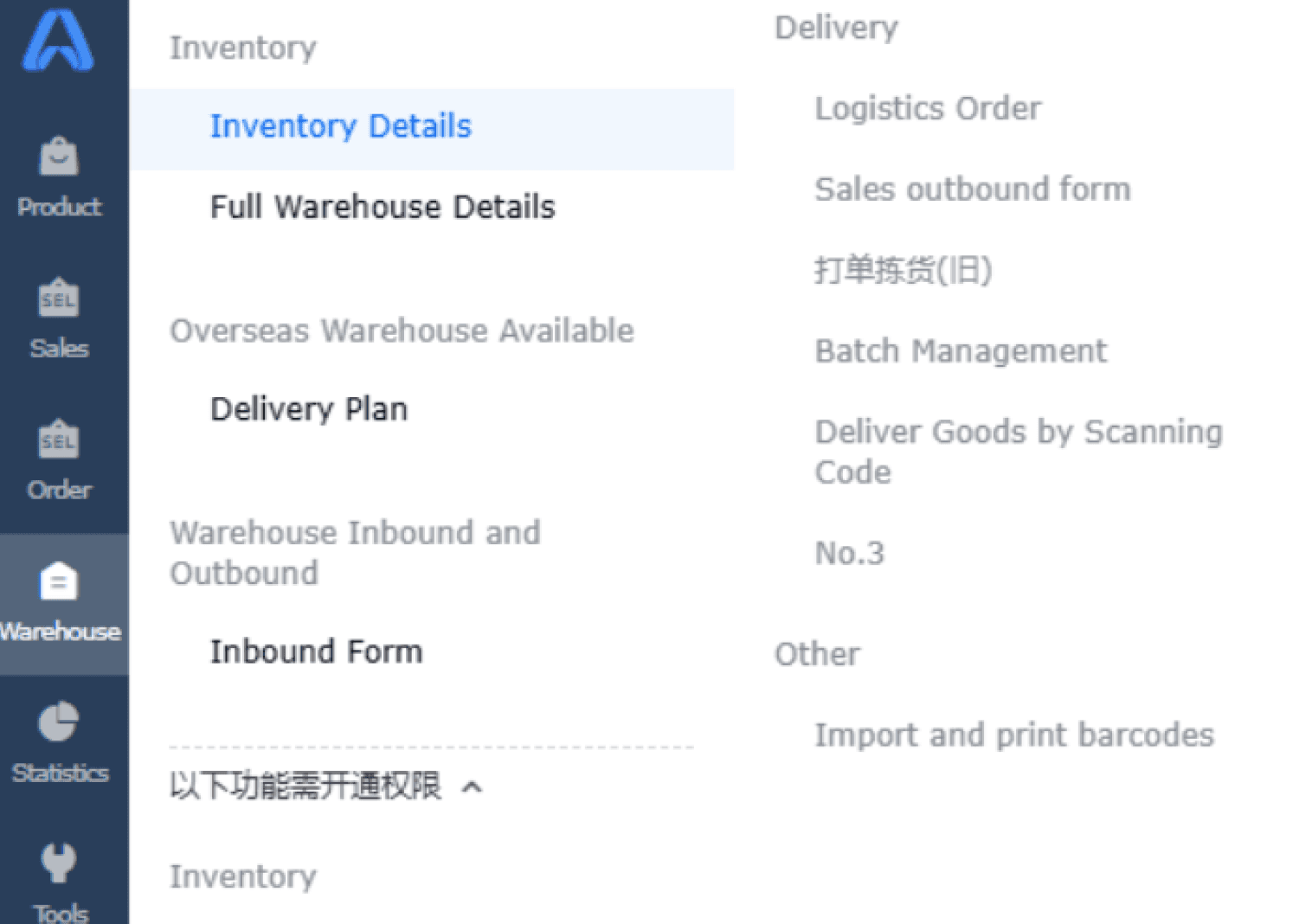
Access real-time inventory information for each SKU.
2.
View detailed inventory statuses, including available stock, items locked for pending orders, defective products, items pending quality control, and those in transit to the US warehouse.
Filter, select, and export data into Excel for further analysis and reporting.